 Secure staff service
Inspire Staff Access
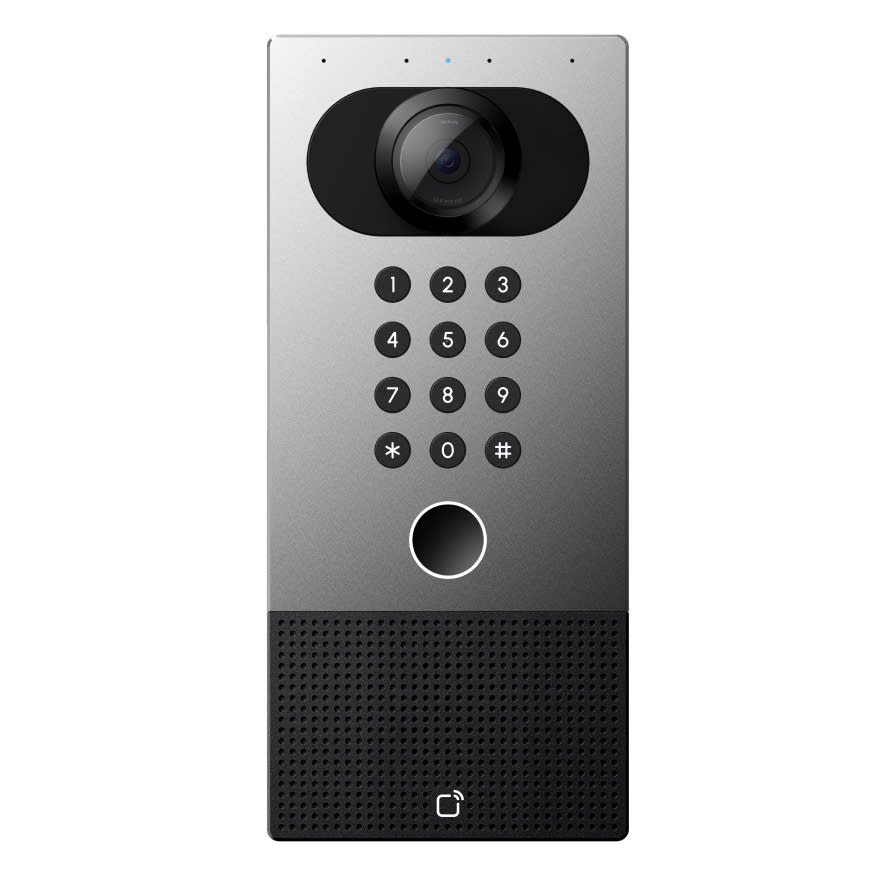
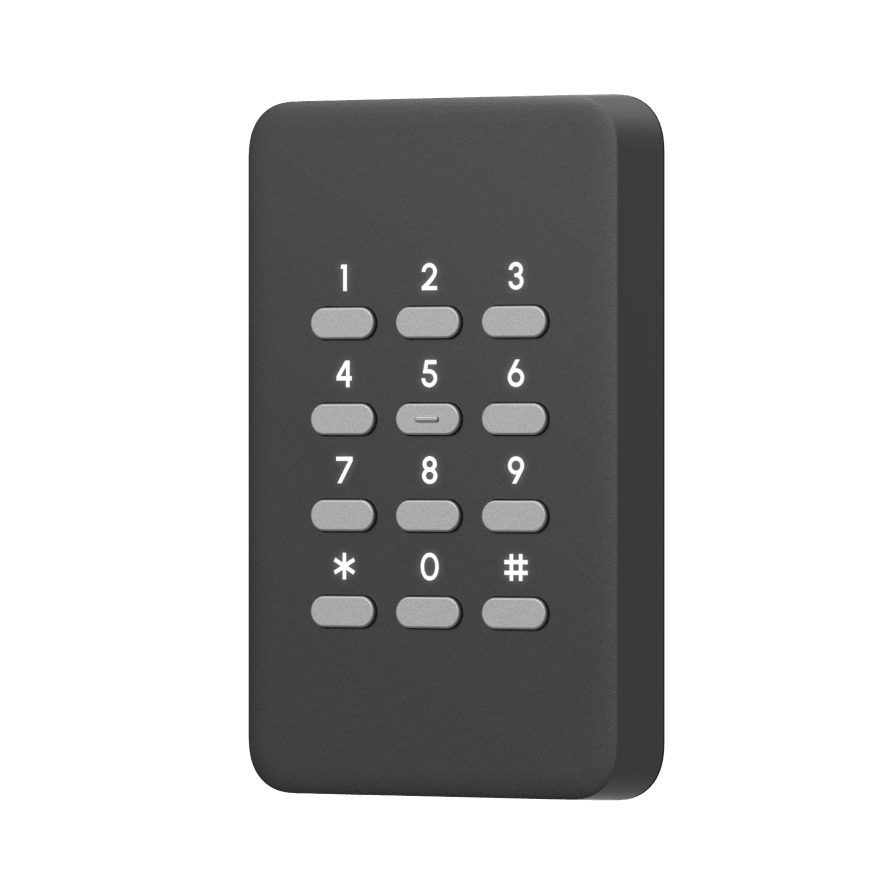
Set your door PIN
Choose a private 5-digit code for the keypads at the campuses you can access.
Checking your Inspire account…
Signed in as
Switch account
Create your PIN
Use five numbers that you can remember but others cannot guess.
Your PIN is sent securely to Verkada. It is never included in app logs, Teams notifications, or reports.
Sign in with your Inspire staff account
Use your personal @inspire.edu.au account, not a shared classroom account.
Continue with MicrosoftNeed help? Contact the IT team in your Campus – IT Teams chat or call 03 9551 1999.